
Professional Image Workflows Made Simple
Organise, rename and automate image workflows with AI-powered filename generation, intelligent libraries and professional reporting.
Built for photographers, eCommerce businesses, creative teams and content creators.
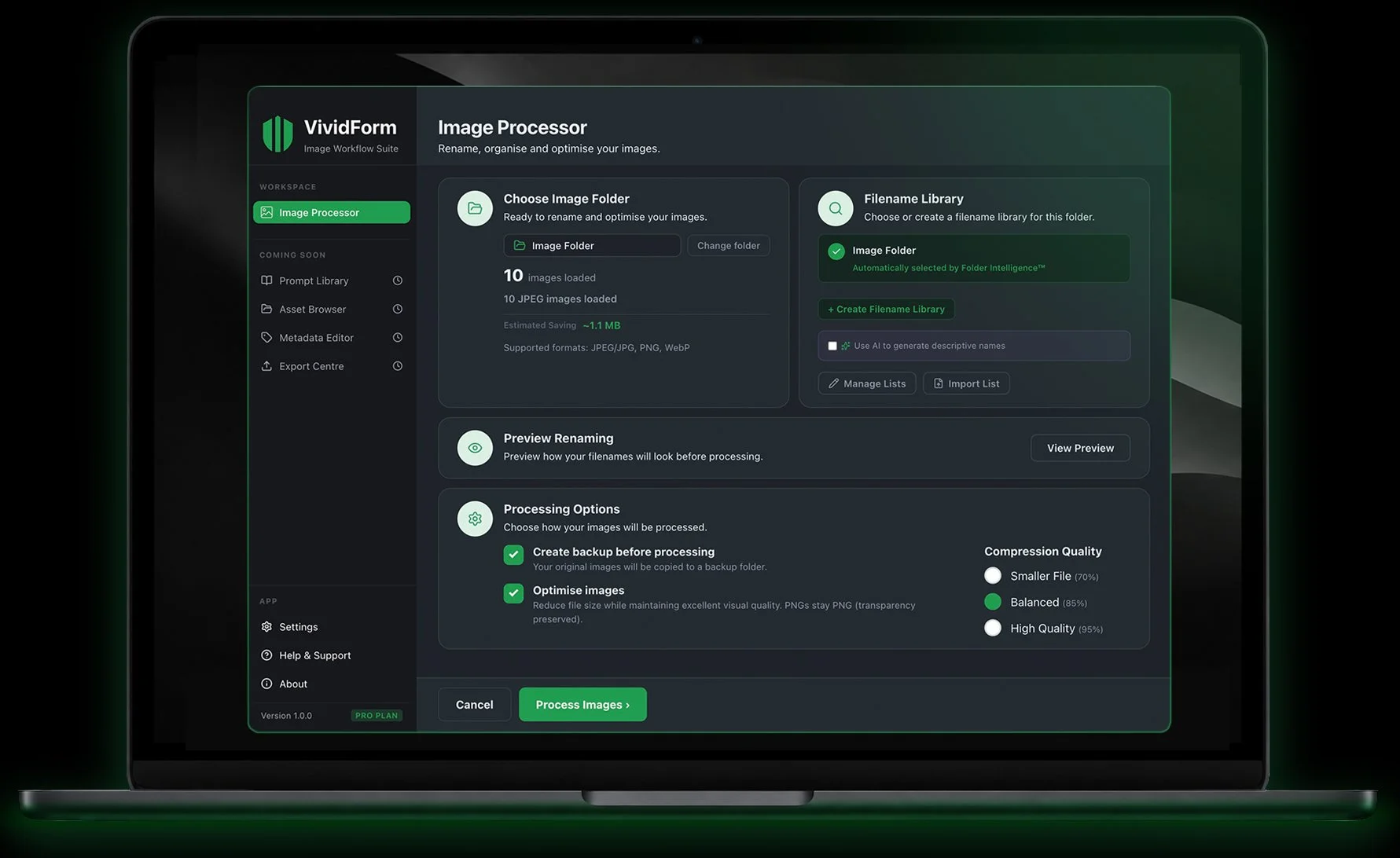
Rename Hundreds of Images in Seconds
Intelligent Filename Libraries
Preview Before Processing
Professional PDF Reports
Windows & macOS
Free Edition includes up to 10 images per batch.
Unlimited processing with VividForm Pro.
Windows

10/11

macOS
12+
Powerful desktop tools designed to save time and keep every image library organised and consistent.
Everything You Need for
Professional Image Management

Filename Libraries
Keep image naming
consistent across
every project.

Preview Changes
Preview every filename
before processing so you
stay in control.

Professional Reports
Generate PDF reports
with renamed files and processing results.

AI-Powered Naming
Generate descriptive
filenames using your
preferred AI provider.
How VividForm Works
From folder selection to perfectly organised images in seconds.


Choose Your Images
Select the folder containing your images.


Select Library
Choose an existing library or create a new one.


Preview Changes
Review every filename before processing.


Process & PDF Report
Rename your images and receive a detailed report.

Ready to Transform Your Image Workflow
Download VividForm and organise, rename and optimise thousands of images with professional filename libraries, preview tools and detailed reporting.
Available for Windows and macOS desktop.